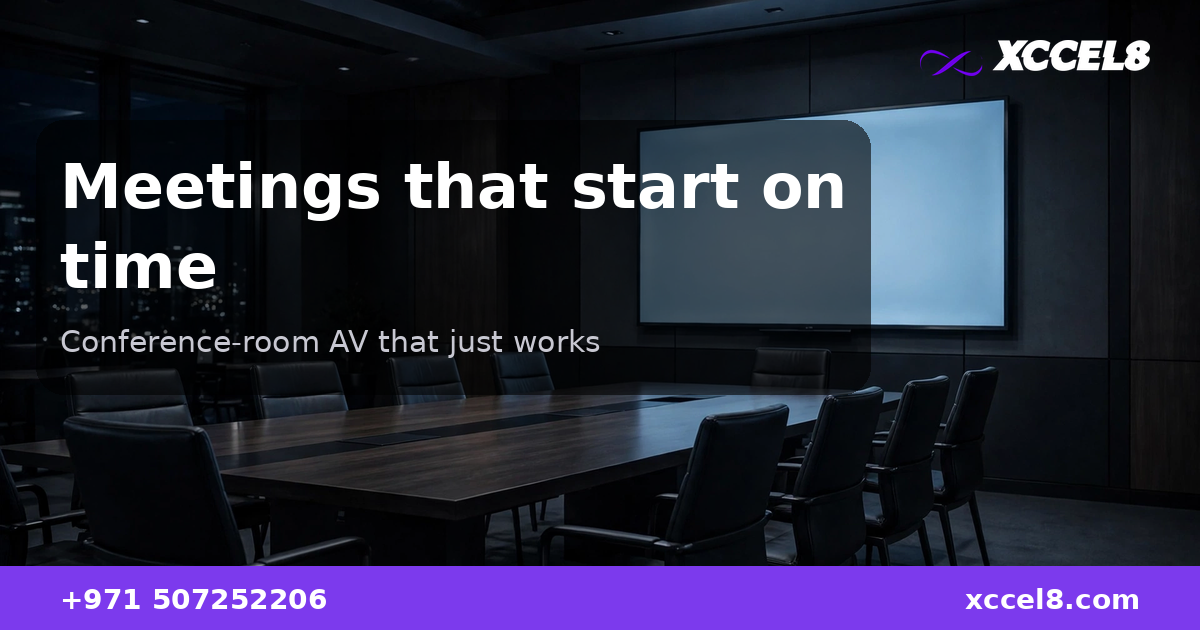
Every office has the room: the one where meetings start ten minutes late because nobody can get the laptop onto the screen, the remote participants can hear the room but the room cannot hear them, and someone ends up dialling in from their desk two doors away. The technology exists to make this never happen. Most meeting rooms just were not designed — they accumulated.
A properly built conference room has four things working together: a display everyone can read, a camera that shows the room properly, audio that picks up every seat, and one-touch joining so the meeting starts when it is scheduled to. Get those four right and the room disappears — people stop thinking about the technology at all.
Key takeaways
- Most meeting-room pain comes from mismatched parts, not bad parts: a good camera with a bad microphone, or a great display with no proper way to share to it.
- Audio decides whether hybrid meetings work — ceiling or table microphones that cover every seat matter more than camera resolution.
- One-touch join (a single tap on a room panel to start the scheduled call) removes the laptop-cable ritual that eats the first ten minutes of every meeting.
- Rooms should be designed around the platforms you actually use — Teams, Zoom, Meet — with the room system native to that platform, not fighting it.
Why do most meeting rooms fail?
Because they were assembled one purchase at a time. A display bought for presentations, a webcam added when video calls started, a speakerphone borrowed from someone’s desk. Each piece works on its own; together they produce the familiar ritual of cables, adapters, “can you hear me now”, and screen-sharing that shows the wrong window.
The fix is treating the room as one system: display, camera, microphones, speakers, control panel and the conferencing platform, specified together for the room’s size and the way your people actually meet. A four-person huddle room and a twelve-person boardroom are different engineering problems, and neither is solved by the same kit scaled up or down.
What does each part of the room do?
The display is the easy part — sized so the back row can read a spreadsheet, which usually means bigger than expected. The camera should frame the room, not one end of the table: wide-angle or auto-tracking cameras keep remote participants oriented instead of staring at the backs of heads.
Audio is where rooms are won or lost. Laptop microphones pick up the keyboard and the air conditioning; a proper room has microphones positioned for the seating — table pods or ceiling arrays — plus echo cancellation so remote callers do not hear themselves. Speakers need to fill the room without the microphone feeding back into them, which is why the audio is tuned as a system rather than plugged in.
The control layer ties it together: a touch panel on the table that shows the day’s meetings, one tap to join, volume and camera controls that need no manual. When joining takes one tap, the meeting starts on time; when it takes a laptop, a cable and a prayer, it does not.
Should the room be native to Teams or Zoom?
Whichever platform the company lives in — and that is usually Microsoft Teams in UAE offices. A Teams Rooms setup joins Teams meetings natively, with the calendar, the one-touch join and the room’s identity all inside the platform IT already manages. The same applies to Zoom Rooms for Zoom-first companies.
The mistake is the generic “works with everything” room: a PC on a trolley running whatever the meeting organiser brought. It works until the one meeting that matters, with the client on the screen, and the browser permissions block the camera. Native room systems remove the organiser’s laptop from the equation entirely — the room is a participant in its own right.
What about small huddle rooms and large boardrooms?
Huddle rooms — two to four people — are the highest-value rooms to fix because they are used constantly. A wall display, an all-in-one video bar (camera, microphones and speakers in one unit) and one-touch join turn a huddle room into the room everyone fights over, in a good way.
Boardrooms need more engineering: multiple microphones for a long table, sometimes two displays (people on one, content on the other), and camera coverage that handles a dozen seats. Training rooms and town-hall spaces add presentation switching and overflow audio. The principle is the same at every size: specify for the room, not for the catalogue.
What does a professional installation include?
A site survey first: room dimensions, seating layout, ambient noise, network points, and which platform the company uses. Then the design — display size, camera type, microphone placement, control panel — quoted as one system with one responsible party.
Installation covers mounting, cabling (hidden, not trailing across the table), network configuration, platform provisioning, and audio tuning for the actual room — because every room sounds different. Then handover: a short training session so staff know the one tap that starts everything, and documentation IT can actually use. The room should need no IT visit for a normal meeting, ever.
Frequently Asked Questions
Why can’t we just use a laptop and a webcam in the meeting room?
You can, and that is why most rooms fail. A laptop webcam frames whoever is nearest, the laptop microphone picks up typing and air conditioning, and every meeting starts with cables and permissions. A room system joins with one tap and is tuned for the room — the difference is ten minutes back, every meeting, forever.
What is one-touch join?
The room’s touch panel shows the scheduled meetings for the day; tapping one joins the call immediately — no laptop, no cable, no dialling in. It works because the room is provisioned as a participant in your conferencing platform.
Should we standardise on one platform?
Standardise the rooms on the platform the company already uses — usually Teams or Zoom. Mixed rooms where every meeting brings a different app are the ones that need IT in the room.
How do we handle audio in a large boardroom?
With distributed microphones — table pods or a ceiling array positioned for the seating — plus acoustic echo cancellation tuned for the room. One central microphone cannot cover a twelve-person table; physics does not negotiate.
Can existing rooms be upgraded without ripping everything out?
Usually, yes. The display often stays; the upgrade is typically the video bar or camera-plus-audio package, the control panel, and proper cabling and tuning. A survey of the existing room shows what is worth keeping.
See what properly designed meeting rooms look like — conference-room AV design and installation for UAE offices.